A link to a website that supplies free materials for c4d, I used some of these in my logo design roughs for the game.
Author Archives: personalandprofessionalpractice
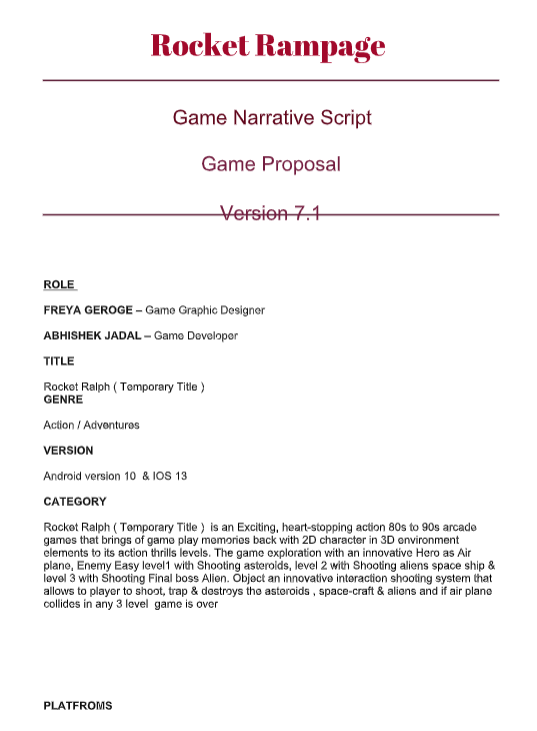
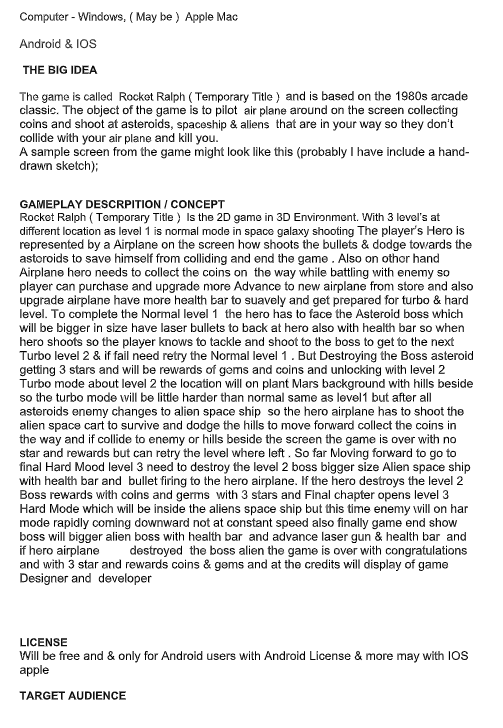
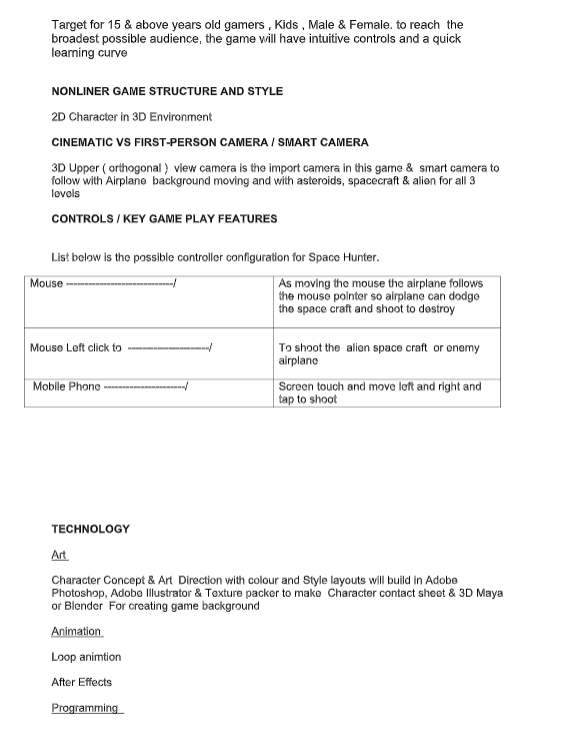
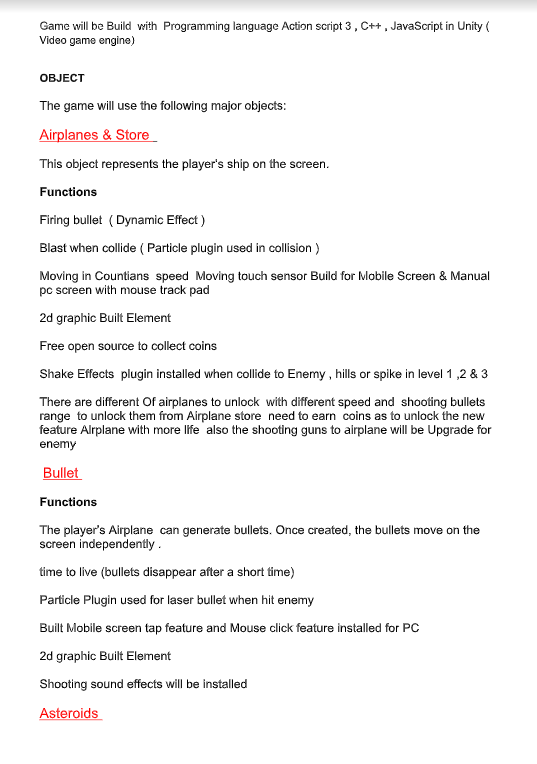
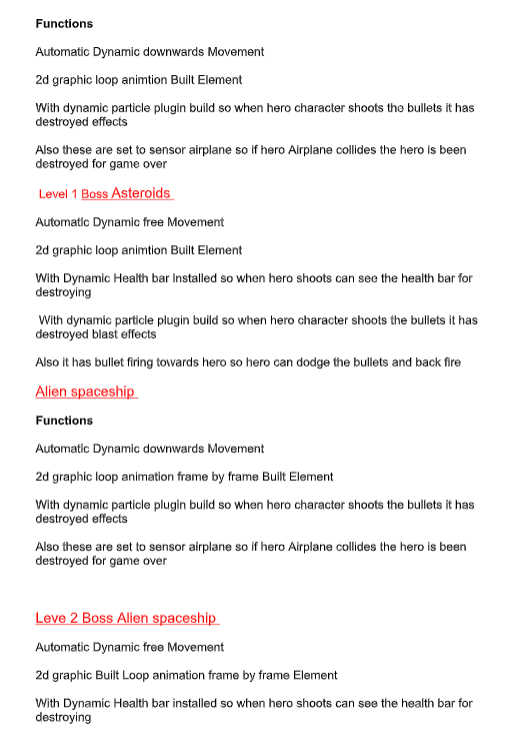
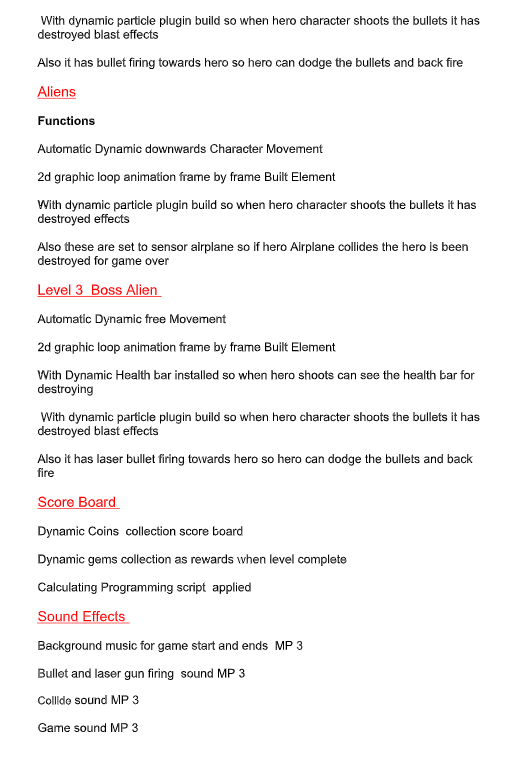
Design list for game
What I need to illustrate and design for the game:
- Rocket – (players ship)
- Alien spaceship- (ships player is shooting)
- Bullets
- Scoreboard
- Font style for app
- Opening app screen
- Buttons- (play, skip, redo)
- Loading symbols
- Background
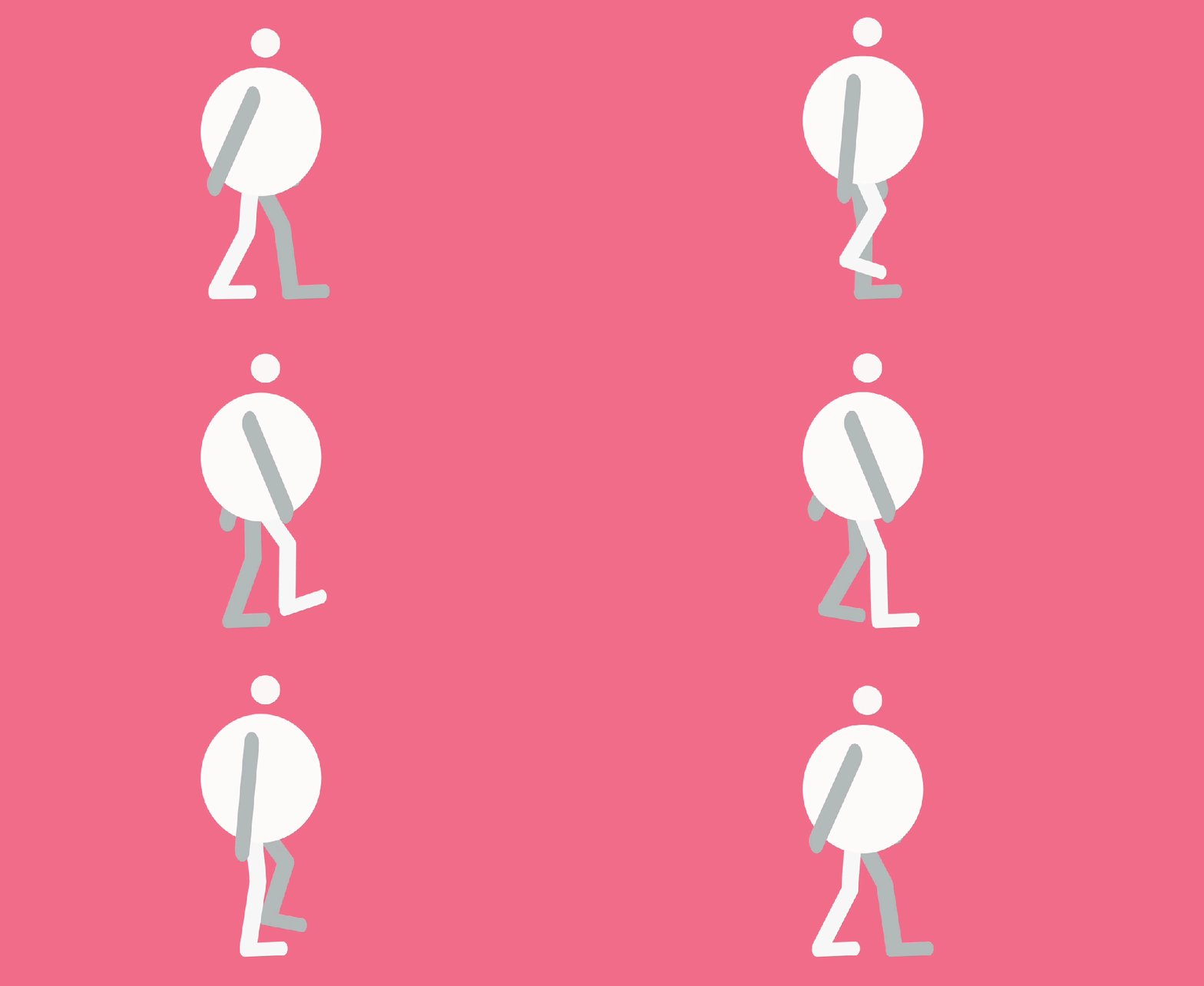
Animated Walk Cycle
I made this walk cycle on After Effects using the plugin Rubber Hose, I followed a tutorial to teach me how to use the plugin. This is the first walk cycle Ive made so I need to keep practicing at it to make my characters walk more realistically.
Smooth curvy movement experimentation
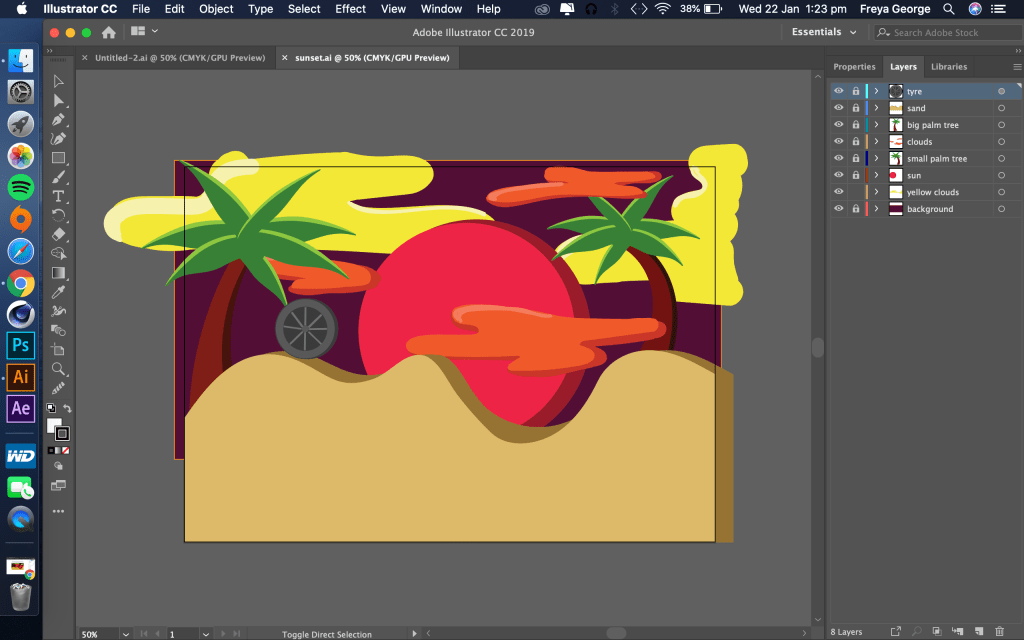
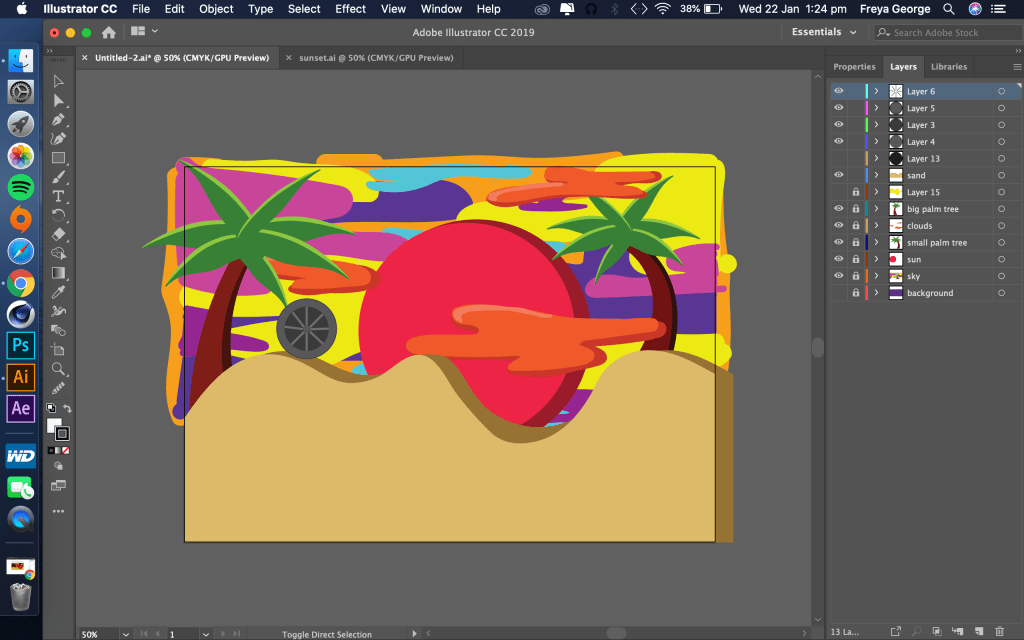
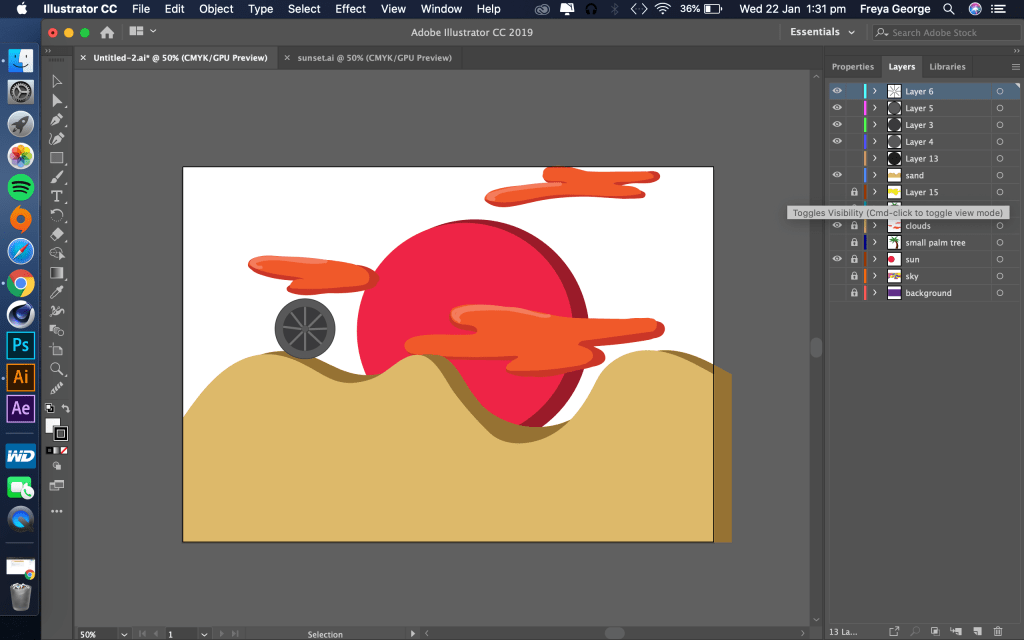
I made this animation using the new skills I learnt during my first tutorial with Abhi in After effects. I drew all the illustrations on illustrator and used After Effects to animate it.
Tutorial 2: How to animate text in AFTER EFFECTS 27/1/20
Notes I took during this tutorial is in my tutorial notes book.

I learnt quicker ways to animate text in this tutorial, I had previously animated text but it took me very long, I know know the short cuts to animate quicker.
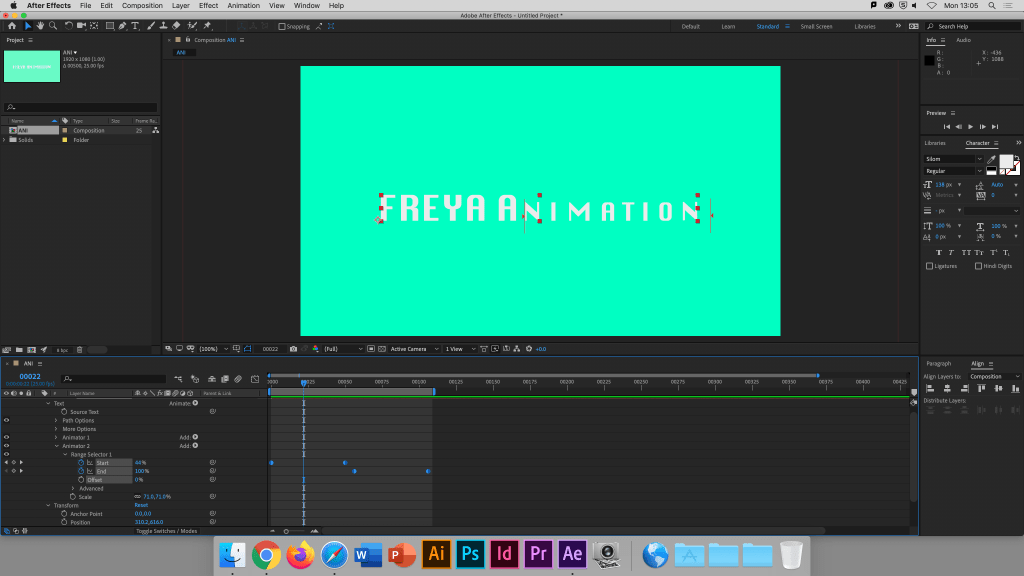
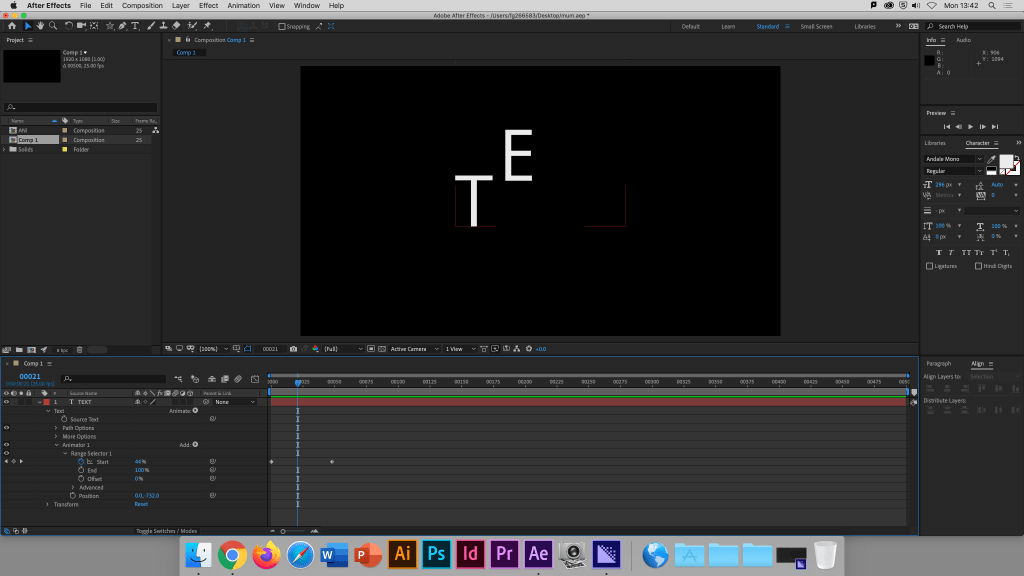
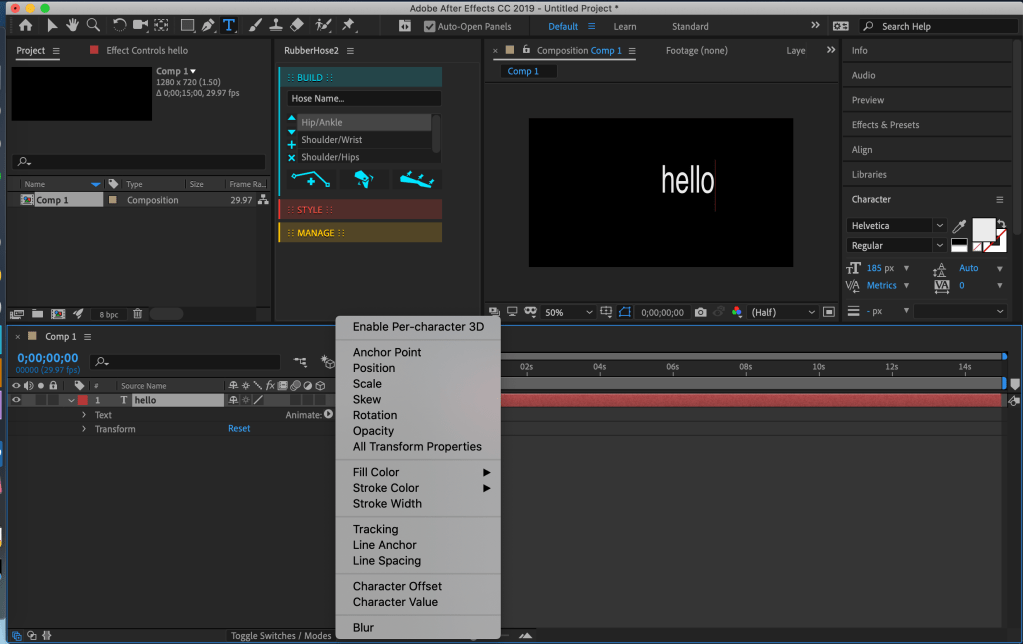

Notes I took during this tutorial is in my tutorial notes book.
I learnt a lot of basic skills from this first tutorial most importantly I learnt have to animate an object to move is a smooth way. I also know how to use Media Encoder and After Effects + Photoshop to export animations into a GIF.
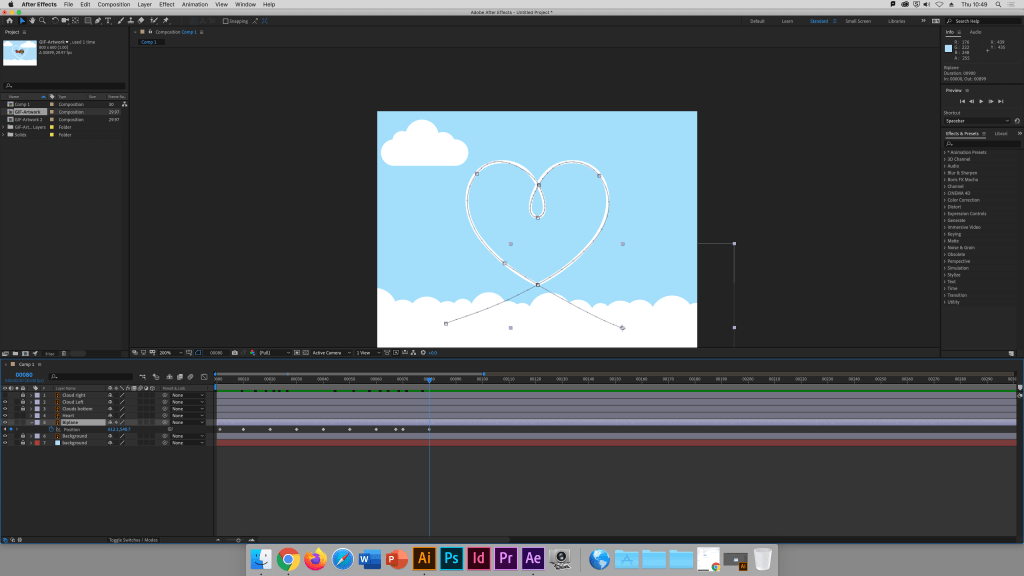
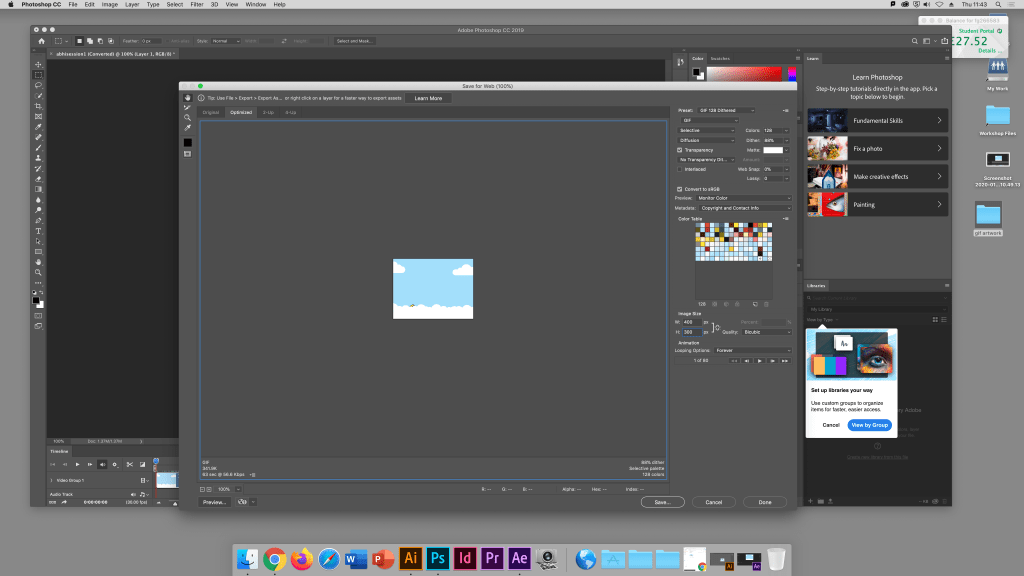
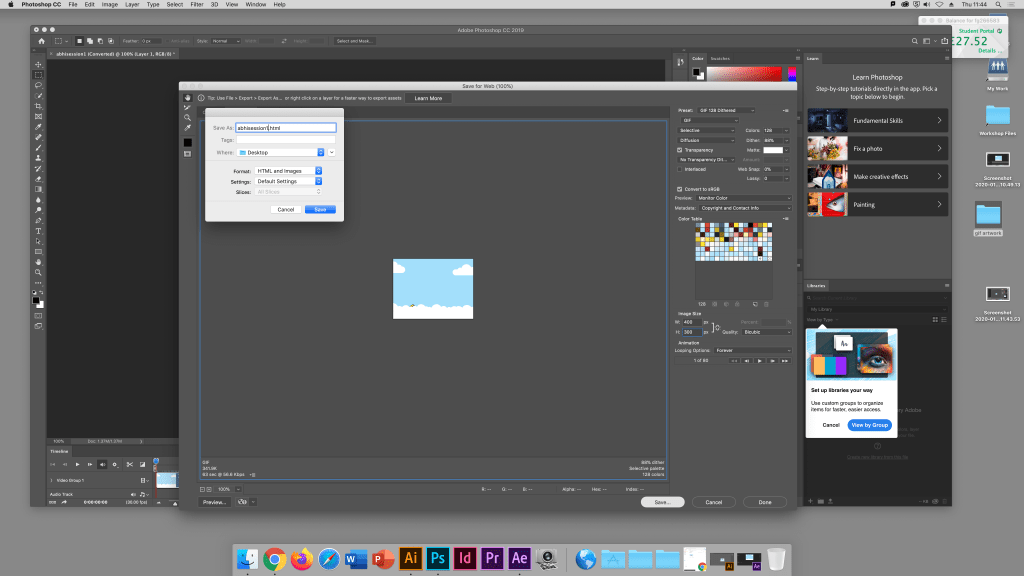
Tutorial 1: How to make a smooth animation + How to export GIF for instagram and web in AFTER EFFECTS 16/1/20
My First Blog Post
Be yourself; Everyone else is already taken.
— Oscar Wilde.
This is the first post on my new blog. I’m just getting this new blog going, so stay tuned for more. Subscribe below to get notified when I post new updates.
Introduce Yourself (Example Post)
This is an example post, originally published as part of Blogging University. Enroll in one of our ten programs, and start your blog right.
You’re going to publish a post today. Don’t worry about how your blog looks. Don’t worry if you haven’t given it a name yet, or you’re feeling overwhelmed. Just click the “New Post” button, and tell us why you’re here.
Why do this?
- Because it gives new readers context. What are you about? Why should they read your blog?
- Because it will help you focus you own ideas about your blog and what you’d like to do with it.
The post can be short or long, a personal intro to your life or a bloggy mission statement, a manifesto for the future or a simple outline of your the types of things you hope to publish.
To help you get started, here are a few questions:
- Why are you blogging publicly, rather than keeping a personal journal?
- What topics do you think you’ll write about?
- Who would you love to connect with via your blog?
- If you blog successfully throughout the next year, what would you hope to have accomplished?
You’re not locked into any of this; one of the wonderful things about blogs is how they constantly evolve as we learn, grow, and interact with one another — but it’s good to know where and why you started, and articulating your goals may just give you a few other post ideas.
Can’t think how to get started? Just write the first thing that pops into your head. Anne Lamott, author of a book on writing we love, says that you need to give yourself permission to write a “crappy first draft”. Anne makes a great point — just start writing, and worry about editing it later.
When you’re ready to publish, give your post three to five tags that describe your blog’s focus — writing, photography, fiction, parenting, food, cars, movies, sports, whatever. These tags will help others who care about your topics find you in the Reader. Make sure one of the tags is “zerotohero,” so other new bloggers can find you, too.
 FREYA GEORGE LAUVC602